

Comparing Patient Testimonial Video Apps ROI (HIPAA Compliant)
In healthcare, patient video testimonials are the ultimate form of social proof. However, you cannot collect them the same way a restaurant or retail store does. The collection process must overcome patient friction while navigating strict HIPAA privacy laws and FTC truth-in-advertising guidelines. PatientReel is a Patient Video Testimonial App from PatientGain. Learn how the ROI (Return On Investment) is calculated.
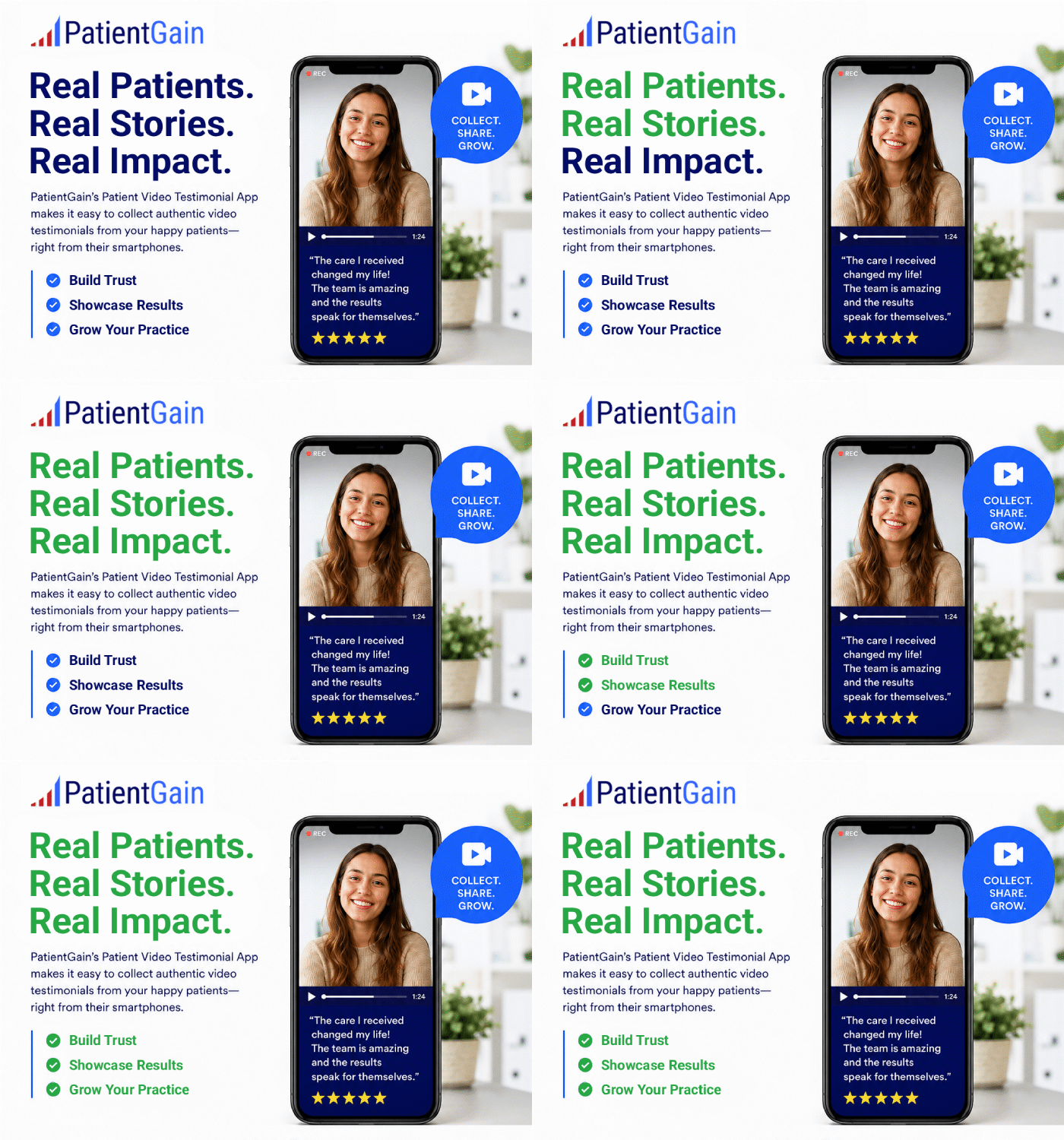
What are different ways to get a patient testimonial video from my patients?
Different ways to collect patient testimonial videos, with a focus on efficiency, HIPAA compliance, and marketing value for healthcare practices:
1. In-Clinic Recording
How it works:
- A staff member records a patient’s testimonial on-site using a smartphone, tablet, or professional camera.
- Patients provide consent via a signed release form or digital consent app.
Pros:
- High-quality video with controlled lighting and environment.
- Staff can guide patients to speak clearly and focus on key points.
Cons:
- Requires scheduling and staff time.
- May interrupt patient flow.
- Manual consent and storage needed for HIPAA compliance.
2. Remote Recording via Email or SMS Link
How it works:
- The clinic sends a secure link via email or text after the patient visit.
- The patient records a testimonial on their phone at their convenience.
- Video is uploaded directly to a secure platform.
Pros:
- Convenient for patients; can record anywhere.
- Reduces staff workload.
- Faster turnaround for approval and publishing.
Cons:
- Video quality may vary depending on lighting and device.
- Potential HIPAA issues as patients do not understand ins and outs of HIPAA and if there is violation, they may blame your practice.
- Patients may need clear instructions to ensure usable footage.
3. Using a Dedicated Video Testimonial App
Example: PatientGain’s Patient Video Testimonial App
How it works:
- Using the QuickSend app from PatientGain, the practice sends a text and email invite to patients.
- Patients record directly from their device (no extra app install required). If the patient is on iPhone they can use the iPhone browser, if they ar eon tablet or desktop, they use the browser. There is no need to install any apps.
- Patient takes a short 60 second video – There is also a personal message form the provider, thank thing them first.
- Patient can retake or review the video.
- After they are satisfied, the click on “Send to Clinic”.
- The video is saved on a HIPAA Compliant server.
- Videos are automatically delivered to the clinic for review.
- Videos can be approved and published to the website or other mediums.
- Patient is also sent a link where the video is posted, and another thankful message from the practice.
- All videos are hosted on a HIPAA compliant servers and this service is covered by PatientGain’s BAA.
Pros:
- Fully automated workflow, saving time and effort.
- HIPAA-compliant with secure storage and digital consent.
- Integration with marketing platforms ensures faster lead conversion.
- Standardized quality and format.
Cons:
- Patients may need encouragement or follow-up reminders to record.
4. Professional Video Shoot / Production
How it works:
- Hire a professional videographer to shoot testimonials either on-site or at a studio.
- Scripts and storyboarding may be used to guide patient interviews.
Pros:
- Highest production quality.
- Great for promotional campaigns and social media ads.
Cons:
- Expensive and time-intensive.
- Requires scheduling multiple patients.
- Staff and patient coordination required.
- Manual consent and storage needed for HIPAA compliance.
5. Social Media Selfies / Organic Content
How it works:
- Patients record short videos themselves and post on social media with permission.
- Practice can request patients to tag the clinic or send video files privately.
Pros:
- Highly authentic and relatable for other patients.
- Minimal staff involvement.
Cons:
- Varying quality and format.
- HIPAA compliance and consent management more complex.
- Less control over messaging.
- Manual consent and storage needed for HIPAA compliance.
6. Hybrid Approach
- Combine in-clinic and remote recordings using a testimonial app.
- Professional video can be used for key campaigns, while app-collected videos maintain a constant stream of new testimonials.
- Ensures a mix of high-quality marketing content and authentic patient stories.
- Manual consent and storage needed for HIPAA compliance.
The Three Absolute Rules for Healthcare Video
Regardless of which method you choose, you must build these legal guardrails into your process to avoid federal fines.
- You Need a Granular HIPAA Authorization Form: A generic “photo release” PDF is legally insufficient. HIPAA requires a specific authorization form that details exactly what is being shared, where it will be posted, an expiration date (usually 1 to 2 years), and clear instructions on how the patient can revoke their consent at any time.
- Beware the “iCloud Data Breach”: If a staff member films a patient on their personal iPhone, that video often auto-syncs to consumer cloud services like Apple iCloud or Google Photos. This is a reportable HIPAA violation. Videos must be recorded directly into secure, encrypted systems or dedicated, un-synced clinic cameras.
- Scrub the Background: When filming in the clinic, meticulously check the background. Ensure no other patients, medical charts, computer screens, or whiteboards with names are visible in the frame.
Calculating the ROI
Example of a healthcare practice: I want to post 10 patient testimonial videos per month, compare cost of using manual steps vs using PatientGain’s patient video testimonial- app for $399/mon, for 1 year.
1-year cost summary for producing 10 patient video testimonials per month, comparing the manual, in-house process to the automated PatientGain App workflow.
1-Year Cost Summary
Model A: The Manual Workflow
- Total Annual Cost: $12,720
- Monthly Average: $1,060 / month
- Labor Burden: 228 staff hours per year (19 hours/month for pitching, recording, and publishing), plus reliance on a freelance video editor.
- Compliance Risk: High risk of HIPAA violations due to local device storage and manual file transfers.
Model B: The PatientGain App Workflow
- Total Annual Cost: $5,388
- Monthly Average: $449 / month ($399 app subscription + $50 in staff time)
- Labor Burden: 24 staff hours per year (2 hours/month simply to send text links and approve final videos).
- Compliance Risk: Built-in HIPAA compliance, digital Business Associate Agreement (BAA) signatures, and automated editing.
The Net Annual Impact
By utilizing the automated software over manual collection, your practice achieves:
- Financial Savings: $7,332 saved per year.
- Time Reclaimed: 204 staff hours saved per year.
- Zero Post-Production: The app automatically stitches, brands, and captions the videos, completely eliminating the need for a third-party editor.
 Send Text
 How may I help you?