

What is the difference between HIPAA Compliant Analytics DFY (Done-For-You) VS DIY (Do-It-Yoursef)?
The fundamental difference between DFY (Done-For-You) and DIY (Do-It-Yourself) HIPAA-compliant analytics is who carries the operational, technical, and legal burden of building, configuring, and maintaining the data-scrubbing pipeline. The fundamental difference between DFY (Done-For-You) and DIY (Do-It-Yourself) HIPAA-compliant analytics is who carries the operational, technical, and legal burden of building, configuring, and maintaining the data-scrubbing pipeline.
| Dimension | DFY (Done-For-You) Analytics | DIY (Do-It-Yourself) Analytics |
| Primary Responsibility | Vendor configures tags, cloud proxies, server containers, and data-scrubbing rules. | Your internal IT team or external web agency builds and manages the tracking setup. |
| Technical Staff Requirement | Zero (100% managed by the vendor) | High (Requires web developers, tag managers, and software engineers) |
| Product & Service Scope | Turnkey suite (Analytics engine, BAA, forms, CRM, hosting, and human support) | Software/middleware license only (You provide labor, web tools, and hosting) |
| BAA Legal Scope | Universal BAA covering software, technical setup, and human support workflows | Narrow BAA covering only the middleware proxy or analytics database software |
| Ongoing Maintenance | Vendor updates tracking rules automatically as websites or regulations change | You must manually test, patch, and re-map tags whenever your website changes |
| Cost Structure | Flat monthly subscription with $0 setup fees | MTU software fees + $5k–$15k+ setup fees + ongoing developer retainers |
Key Distinctions Explained
1. Implementation Overhead
- DIY (Software-Only): Vendors like Freshpaint, Ours Privacy, or Piwik PRO hand you software documentation and API keys. You must hire web developers ($150–$250/hour) to configure Tag Managers, write regex filters, map event allowlists, and build server containers to ensure no ePHI leaks.
- DFY (Managed Platform): Vendors like PatientGain (SPOSA) assign account specialists (with dedicated project manager) to log into your website backend, deploy server-side tracking scripts, and map data fields for you—requiring no coding or IT involvement from your staff.
2. Compliance Risk & Maintenance Liability
- DIY: If your web designer adds a new contact form or updates a URL structure without updating the middleware scrubbing rules, raw patient data can bypass the filter and stream into Google or Meta—triggering an immediate HIPAA violation. Your practice bears 100% of the operational risk for misconfiguration.
- DFY: The platform vendor owns and manages the entire ingestion pipeline end-to-end under a unified BAA. They monitor data flows and maintain the server-side proxy rules, removing human configuration error from your practice.
3. Total Cost of Ownership (TCO)
- DIY: You pay a double penalty—paying enterprise software licensing fees (often scaling based on website traffic volume) plus ongoing billable hours for external web developers or IT retainers to maintain the system.
- DFY: Software licensing, server hosting, data scrubbing, BAA legal coverage, and account management are bundled into a single flat monthly fee, eliminating vendor sprawl and surprise technical bills.
PatientGain SPOSA app is an example of the DFY model, with dedicated project manager.
PatientGain’s HIPAA analytics alternatives offering is explicitly as Done-For-You with dedicated project manager.
PatientGain’s team handles deployment of its tracking technology, configuration and secure analytics environment rather than requiring the healthcare practice to provide developers. It’s pricing is standalone secure analytics starting at $129/month and most installations can go live in approximately a week.
Compare PatientGain’s SPOSA analytics (DFY) VS DIY PWIK Pro for 3 location medical practice cost and time to go live and 3 year projection.
For a 3-location medical practice, PatientGain’s Done-For-You (DFY) SPOSA analytics reduces 3-year total expenditures by roughly 60% compared to a Do-It-Yourself (DIY) Piwik PRO Enterprise deployment, while launching in under a week without internal technical effort. These numbers are from public websites, reditt and other blogs.
| Comparison Metric | PatientGain SPOSA Analytics (DFY) | Piwik PRO Enterprise (DIY) |
| Upfront Setup Fees | $0 (With standard 12-mo contract) | $3,000 – $5,000 (Vendor onboarding fee) |
| Initial IT / Developer Labor | $0 (Handled 100% by PatientGain) | $2,000 – $4,000 (Web developer tag setup) |
| Monthly Subscription (3 Locs) | $399/month ($129 base + $100/add-on) | $500 – $800+/month (Enterprise tier for BAA) |
| Ongoing Maintenance Retainer | $0 (Included with platform support) | ~$200 – $300/month (Webmaster support) |
| Time to Go-Live | Under 7 days | 3 to 6 weeks |
| Year 1 Total Investment | $4,788 | $13,800 – $18,600 |
| Year 2 Investment | $4,788 | $8,400 – $12,000 |
| Year 3 Investment | $4,788 | $8,400 – $12,000 |
| 3-Year Cumulative Cost | $14,364 | $30,600 – $42,600+ |
Financial & 3-Year Projection Breakdown
- PatientGain SPOSA (DFY): Operates on flat-rate pricing ($129 base + $200 for 2 add-on locations = $329/mo). With zero setup fees and built-in technical maintenance, your practice spends less than $4,788 per year, totaling $14,364 across 3 years.
- Piwik PRO Enterprise (DIY): Piwik PRO requires its paid Enterprise tier to issue a signed Business Associate Agreement (BAA). Combining Enterprise licensing ($6,000–$9,600/yr), upfront onboarding ($3,000–$5,000), developer tag setup ($2,000–$4,000), and an ongoing webmaster retainer ($2,400–$3,600/yr), your 3-year total ranges from $30,600 to $42,600+.
Time to Go-Live & Technical Overhead
- PatientGain SPOSA (Under 7 Days): A fully managed service. PatientGain’s technical team accesses your website backend, installs server-side tracking scripts, strips out old GA4 tags, and validates multi-location attribution dashboards for you.
- Piwik PRO Enterprise (3 to 6 Weeks): A software-only delivery model. Your practice must navigate enterprise procurement, complete vendor onboarding, and hire an external web developer to strip standard GA4 scripts, write Piwik tracking tags, and configure conversion goals across your 3 locations.
Why is PatientGain SPOSA apps pricing so competitive compared to other companies ? And on top of this they are a US based company and provide BAA?
PatientGain delivers competitive pricing ($129/month base, $0 setup fees) alongside a direct, US-backed Business Associate Agreement (BAA) by replacing expensive custom engineering and third-party software markups with a natively owned, standardized healthcare technology stack.
Why PatientGain Outpaces Competitors on Cost and Simplicity
- Native Software Ownership (No Middleman Markups): Traditional middleware vendors (like Freshpaint or Ours Privacy) act as pass-through pipes that require you to buy separate subscriptions for analytics, CRM tools, and web hosting. PatientGain owns the entire software ecosystem (SPOSA analytics, SPOC inbox, forms, texting), eliminating third-party API licensing costs and software markups.
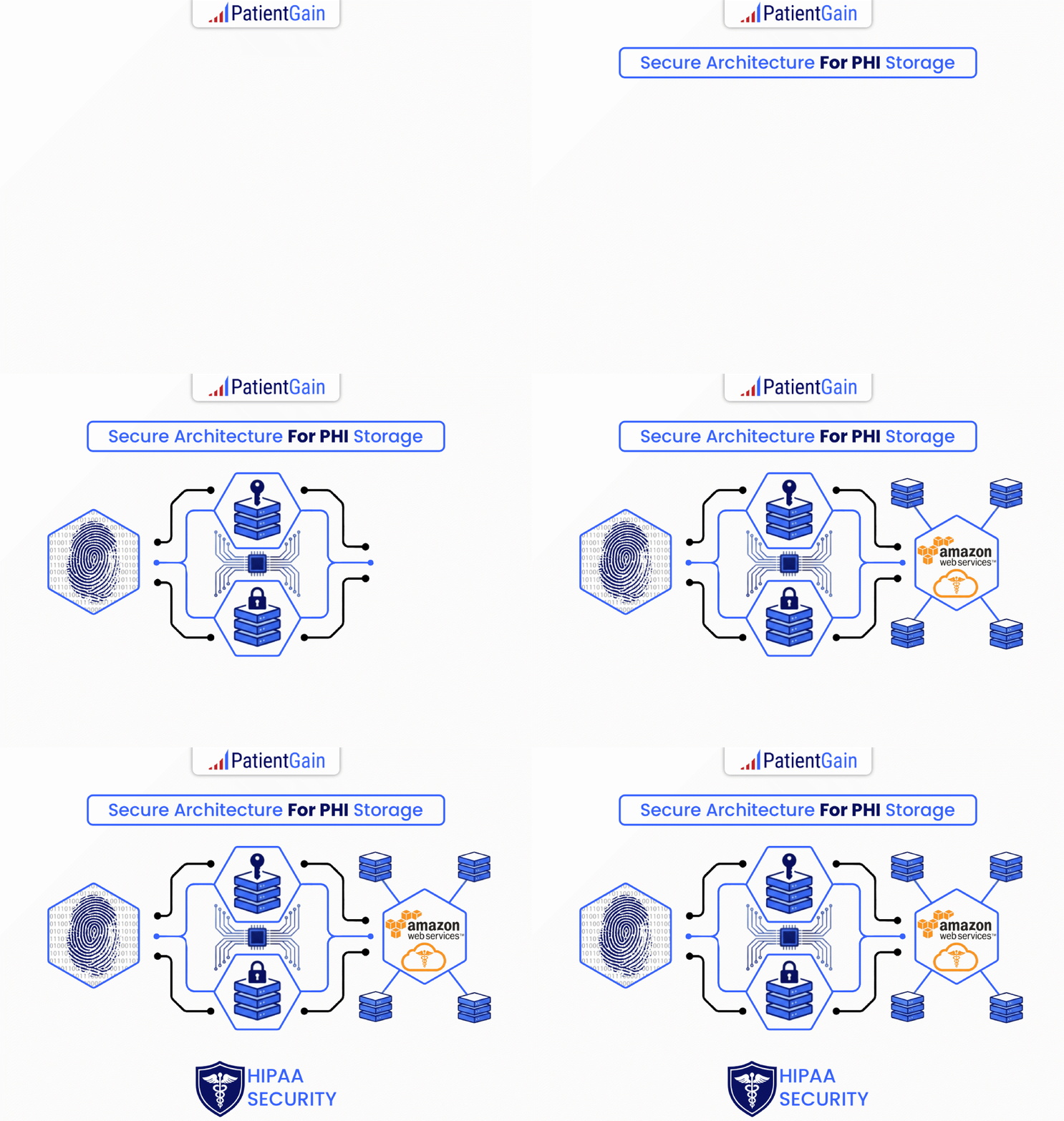
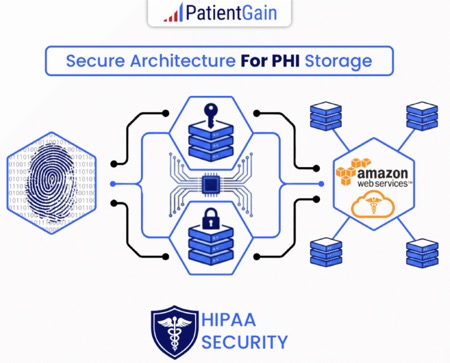
- US-Based Direct BAA Jurisdiction: Headquartered in Silicon Valley (Los Altos, California), PatientGain operates entirely under US federal healthcare jurisdiction. Because they host data on dedicated, HIPAA-certified cloud infrastructure (AWS/Google Cloud), they issue a primary BAA covering software, hosting, and human support without relying on overseas third parties or reseller fees.
- Standardized “Secure Bubble” vs. Custom Developer Labor: DIY platforms sell complex software licenses that force you to hire external web developers or IT consultants ($150–$250/hour) to map tags and build server-side rules. PatientGain utilizes pre-configured, A/B-tested server-side proxy rules deployed entirely by their internal team at $0 setup cost. Just imagine, they have hundreds of healthcare practices as customers. They have figured out the key metrics and reports for lets say “Primary care”. They assign an AI agent (Developed by PatientGain) to setup all the apps, reports, dashboards based on a “close match” previous customer. 80% of the setup is all the same. The rest 20% is done by a human. So the entire process is few days.
- Flat Location Rates vs. MTU Traffic Penalties: Enterprise analytics tools charge based on Monthly Tracked Users (MTUs) or total pageviews, causing costs to spike as your traffic grows. PatientGain uses flat per-location pricing with volume discounts (dropping to $50–$75/month per location for groups with 10+ sites) regardless of visitor volume.
- Amortized Multi-App Economy of Scale: Because SPOSA is integrated into PatientGain’s core healthcare software platform serving thousands of medical and dental practices nationwide, infrastructure and R&D costs are spread across a massive user base rather than passed onto individual clinics as enterprise fees.
- What is Land and Expand” entry strategy from PatientGain?
In software economics, this is a classic “Land and Expand” entry strategy rather than a malicious trap. By offering single point-solution apps like SPOSA Analytics at $99/month with $0 setup fees, PatientGain lowers the barrier to entry for practices needing an immediate, low-cost fix for an urgent compliance issue.
How the “Foot-in-the-Door” Model Operates
| Practice Lifecycle Stage | What PatientGain Offers | Provider Motivation | PatientGain Motivation |
| Stage 1: The Entry Point | Standalone SPOSA App ($129/mo) | Solves illegal GA4 compliance quickly without replacing website or hiring devs. | Acquires a practice account at low Customer Acquisition Cost (CAC). |
| Stage 2: Operational Exposure | Single Point of Conversion (SPOC) | Practice staff log into dashboard daily to view sanitized conversion data. | Demonstrates platform reliability and highlights lead bottlenecks. |
| Stage 3: The Bundled Upsell | GOLD ($899/mo) or PLATINUM ($1,699/mo) | Practice consolidates 5–8 separate software vendors under one bill and BAA. | Increases Customer Lifetime Value (LTV) by taking over full site & marketing. |
Key Realities of This Strategy for Your Practice
- No Forced Upgrades: The $129/month standalone analytics app carries a binding Business Associate Agreement (BAA) and operates independently. You are under no contractual obligation to migrate your website or buy their SEO, PPC, or website redesign packages.
- Why Pricing Stays Low: Traditional marketing agencies spend $3,000+ in sales overhead just to win a client. By offering $129 point solutions, PatientGain lets software demonstrate its value first, drastically reducing their sales costs—a efficiency gain passed down as lower subscription fees.
- Consolidation Incentive: If a practice eventually chooses to upgrade to full-service marketing tiers (such as GOLD or PLATINUM, PLATINUM+), standalone app fees are waived entirely and bundled into the platform subscription.
If your practice strictly needs a compliant analytics engine and intends to keep your current website and ad managers, you can buy the $129/month standalone SPOSA tier and decline all marketing upsell pitches.
| Cost Factor | Enterprise DIY Competitors (e.g., Freshpaint, Piwik PRO) | PatientGain SPOSA (DFY) |
| Pricing Metric | MTUs / Pageview Volume (Unpredictable) | Flat Location Rate ($129/mo base) |
| Setup & Engineering Fee | $3,000 – $15,000+ (Requires external webmaster) | $0 (Fully managed installation) |
| BAA Provider | Third-party software proxy agreement only | Direct, US-based entity (Los Altos, CA) |
| Ongoing Labor | Practice must retain IT developers to maintain tags | Included platform maintenance & support |
 Send Text
 How may I help you?