

What Website Building Platforms are HIPAA Compliant?
If you are looking for a ready-to-go platform that you can use to start building a HIPAA compliance website for your medical or dental practice, then you will find that you have very limited choices. As HIPAA requirements are quite stringent.
Do all healthcare websites need to be HIPAA compliant ?
No, not all healthcare websites need to be HIPAA compliant. Compliance depends entirely on whether the website handles Protected Health Information (PHI) – When HIPAA Compliance Is NOT Required – A healthcare website does not need to follow HIPAA rules if it serves purely informational purposes.
- Static Content: Sites that only list a practice’s basic details, office hours, locations, services, and public phone numbers.
- No Data Collection: If visitors cannot input personal details, submit symptoms, or log into an account, no PHI is gathered or transmitted.
- No collection of analytics, TAG manager, Pixels etc. These type of tools collect patient IP Addresses and send it back to Google, Meta .
When HIPAA Compliance IS Required and a BAA is Required.
A website must comply with HIPAA the moment it stores, collects, manages, or transmits PHI. Features that trigger this requirement.
Patient Portals: Secure login areas for viewing medical test results, billing history, or requesting prescriptions.
Online Booking Systems: Appointment tools that collect names, dates of birth, or reasons for a medical visit.
Interactive Forms: Contact or intake forms asking users to describe symptoms or medical conditions.
SMS/Texting apps: Apps that send or receive messages for texting, will end up storing patient information, they need to comply with HIPAA and issue a BAA .
Phone call tracking apps: Apps that track patient calls, will end up storing patient information, they need to comply with HIPAA and issue a BAA .
Live Chat & Telehealth: Chat widgets discussing health concerns or video platforms for virtual appointments.
Standard Analytics Pixels: Tracking tools (like standard Google Analytics) that inadvertently capture IP addresses or user paths tied to medical topics
There are 4 different ways to build a functional HIPAA compliant website for your healthcare practice.
1. The Hybrid Model (Standard Builder + Third-Party Secure Forms)
This is the most popular route for solo practitioners and small clinics. You build your main marketing website on a standard, user-friendly platform like Squarespace, Wix, or Webflow, but you do not use their native forms.
- How it works: Your public pages live on a standard web builder. Any button that says “Book Appointment” or “Contact Us” embeds or links out to a third-party form provider that is HIPAA-compliant and will sign a Business Associate Agreement (BAA).
- Compliant vendors to plug in: Providers like Jotform HIPAA, HIPAAtizer, or Cognito Forms.
- Pros: Highly cost-effective; allows beautiful, custom front-end marketing designs without paying for expensive secure hosting.
- NOTE: Since you will be tracking website traffic, you will still need to add HIPAA compliant Website Analytics like SPoSA app. Under strict guidance issued by the Department of Health and Human Services (HHS), standard website analytics tracking on a healthcare website can cause a serious compliance violation.
2. VaultDocSites
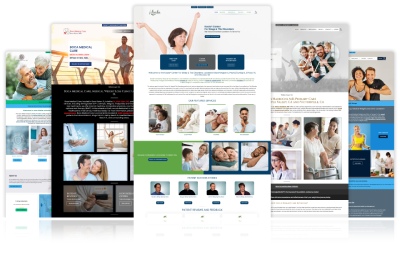
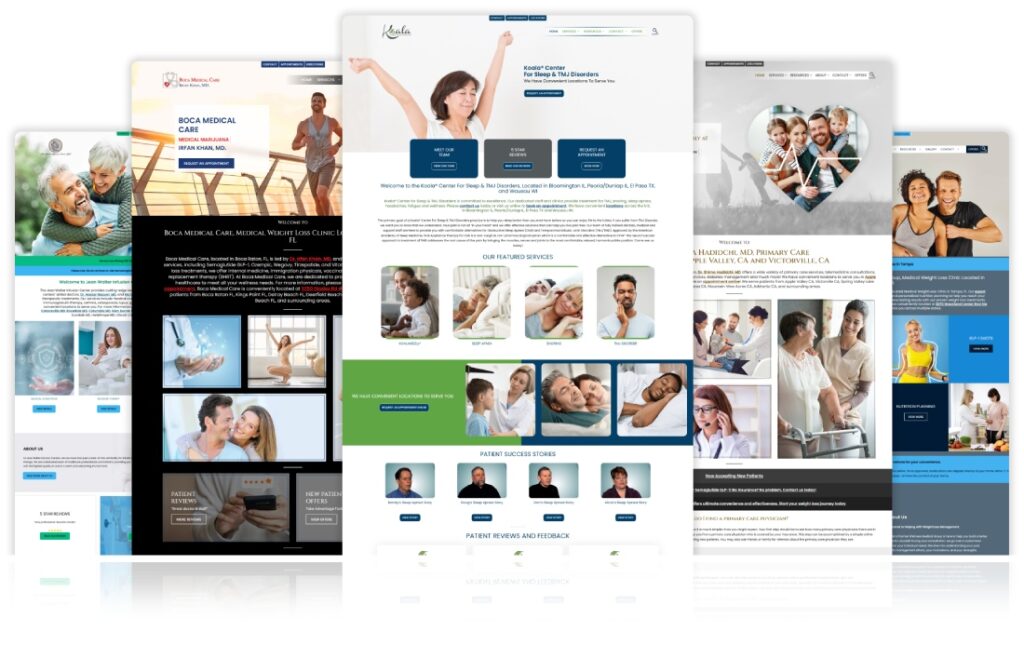
If you want a zero-code, entirely hands-off approach, you can PatientGain build your site directly inside a specialized medical practice website builder that takes care of privacy requirements out of the box.
- How it works: You use the native tools within VaultDocSites to establish your clinic’s web presence. Because the entire framework is built specifically for healthcare providers, data ingestion, patient contact forms, and security safeguards are automatically covered under one umbrella BAA.
- Pros: Complete peace of mind; eliminates the tech headache of manually patching plugins or hosting configurations together, allowing you to launch a professional, compliant site quickly.
- NOTE: Since you will be tracking website traffic, you will still need to add HIPAA compliant Website Analytics like SPoSA app. This is included.
3. CMS Self-Hosting on HIPAA Infrastructure (e.g., Managed WordPress)
If you require custom features, advanced SEO, or complex blogging systems, you can use an open-source platform like WordPress—but you cannot use cheap, standard hosting.
- How it works: You deploy a custom WordPress site on an enterprise, secure cloud environment specifically hardened for healthcare. The host will sign a BAA, enforce server-level encryption, provide audit logging, and block intrusion attempts.
- Hosting environments to use: Managed healthcare hosts like specialized setups. These cost extra, and they cover the website code, but not any added plugins etc.
- Pros: Maximum flexibility; you own 100% of your data and code, allowing you to scale the site into a massive resource hub.
- NOTE: Since you will be tracking website traffic, you will still need to add HIPAA compliant Website Analytics like SPoSA app. Under strict guidance issued by the Department of Health and Human Services (HHS), standard website analytics tracking on a healthcare website can cause a serious compliance violation.
4. Custom Cloud Build (Enterprise Solution)
For hospital networks, multi-location clinics, or digital health startups building specialized patient applications, the site is programmed entirely from scratch.
- How it works: Developers write proprietary code using frameworks like React or Angular and deploy it directly onto secure cloud services configured precisely to NIST security standards.
- Infrastructure to use: Custom deployment on Microsoft Azure or AWS (Amazon Web Services), backed by an enterprise BAA.
- Pros: Complete control over security architecture, database logic, custom web apps, and user portals.
- NOTE: Since you will be tracking website traffic, you will still need to add HIPAA compliant Website Analytics like SPoSA app. Under strict guidance issued by the Department of Health and Human Services (HHS), standard website analytics tracking on a healthcare website can cause a serious compliance violation.
PatientGain’s solution – VaultDocSites
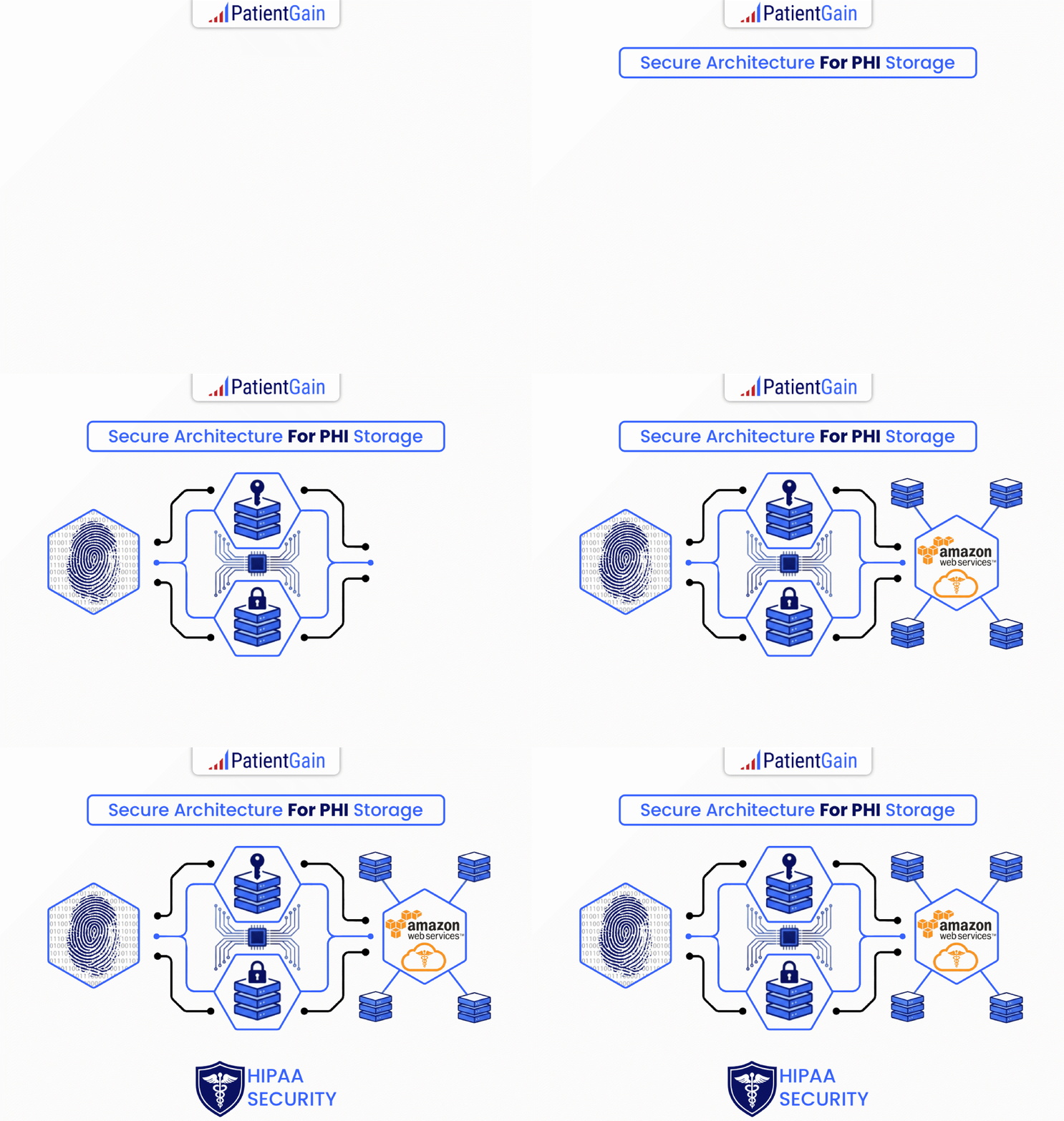
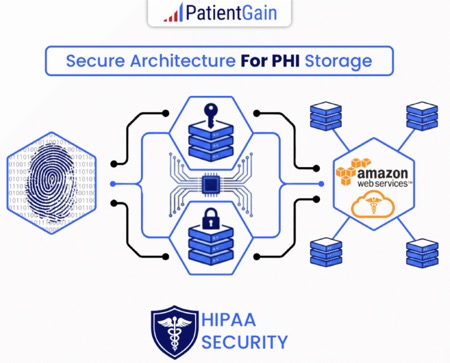
PatientGain works with AWS and WordPress to maintain HIPAA compliance for healthcare websites and applications by implementing various security measures and adherence to HIPAA requirements.
PatientGain combines AWS, WordPress, and the VaultDocSites framework to provide a secure environment for healthcare websites. This level of technical protection is critical for healthcare practices for several major reasons:
1. Penalties for Compliance Failures
The Health Insurance Portability and Accountability Act (HIPAA) enforces strict financial penalties for data breaches.
- High Costs: Fines range from thousands of dollars per day to millions annually, depending on the tier of negligence.
- Proactive Security: By utilizing a secure infrastructure, practices insulate themselves from catastrophic, business-ending regulatory fines.
2. Legal Liability Protection (The BAA)
In healthcare, you cannot simply use a standard web host. By law, any vendor handling Protected Health Information (PHI) must sign a Business Associate Agreement (BAA).
- Standard WordPress Risk: Standard web hosting companies (like Bluehost or GoDaddy) will not sign a BAA for standard accounts, meaning your practice bears 100% of the liability if a hacker steals contact form data.
- Liability Shift: PatientGain and enterprise-grade cloud providers like AWS sign BAAs, legally binding them to share the responsibility of protecting that data.
3. Patient Trust and Reputation Management
A medical practice relies entirely on its reputation.
- The Fallout: If a practice’s website is hacked, patient names, phone numbers, and medical symptoms can leak onto the internet.
- The Notification Rule: HIPAA requires practices to publicly report data breaches affecting over 500 people, often forcing them to notify local media outlets. A secure system prevents a PR nightmare that could cause patients to leave for a competitor.
4. Vulnerability of Standard WordPress Websites
WordPress powers over 40% of the web, making it the #1 target for automated hacking bots.
- The Danger: A standard WordPress site relies on third-party plugins for contact forms, booking schedules, and review collection. If just one plugin has a security flaw, hackers can inject malware or steal patient entries.
- The Solution: Securely wrapping WordPress with PatientGain’s framework and hosting it on AWS shields the vulnerable parts of the website, stripping data off the open web before it can be intercepted.
5. Seamless Operational Efficiency
Medical professionals should focus on treating patients, not managing IT servers or monitoring website security logs. Leaving compliance to automated frameworks keeps the practice running smoothly without requiring a dedicated, in-house tech team to patch security holes every week.
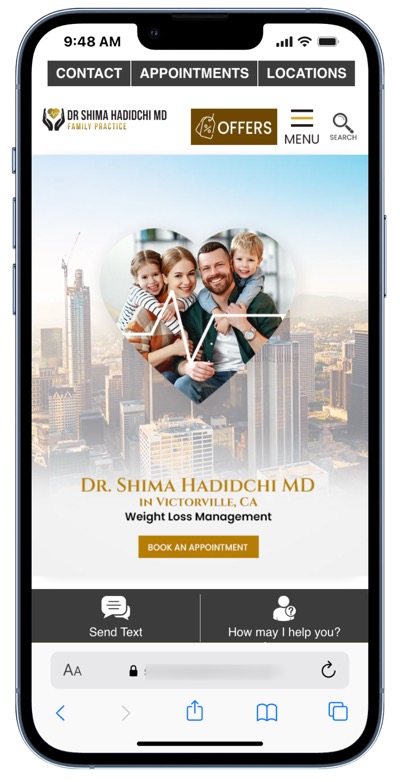
 Send Text
 How may I help you?